How to Buy Train Tickets in Turkey: Official Channels and Planning Steps
Where to buy
Use TCDD Taşımacılık e-Bilet or a sales channel identified by the operator. TurkeyTrain helps you research times and fares; payment and ticket issuance take place through the seller you choose.
Start with the operator’s current channels
TCDD Taşımacılık manages passenger train sales through its current official channels and authorised points of sale. Interfaces, accepted payment methods, booking windows, and ticket formats may change, so verify them directly rather than relying on an old screenshot or a third-party promise.
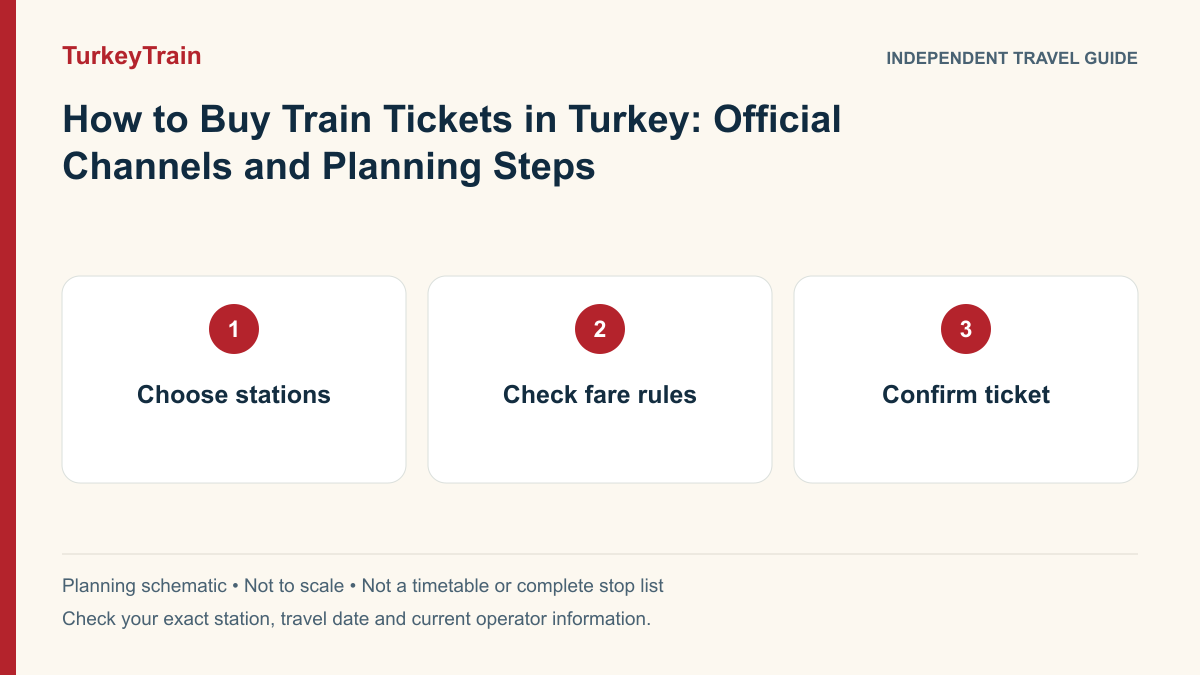
Search with exact stations
Choose the travel date and use the full station names. This is especially important in Istanbul, where different trains may use different terminals. Review the direction, train type, class, passenger details, and any restrictions displayed before completing your purchase.
- Confirm origin and destination station names.
- Enter passenger information exactly as required.
- Read the conditions attached to the selected ticket.
TurkeyTrain’s role
TurkeyTrain combines bilingual travel guides with train-time and fare searches. Eligible direct-train services can be booked for adults aged 18 or over. Our team issues tickets manually after payment; seats are confirmed only when the ticket is issued. If we cannot issue your ticket, we refund the full payment. Check the full station name, date, fare and passenger details before paying.
TCDD e-Bilet booking checklist
Start from TCDD Taşımacılık’s official website and follow its ticket link. Check that the destination site is the operator’s e-ticket service before entering passenger or payment information. TurkeyTrain is an independent guide and is not the operator’s checkout.
An empty search can mean the date is not yet on sale, the selected train has no available seats, the station pair is incorrect or the service uses a different sales channel. Check the current sales information rather than assuming a universal advance-booking window.
- Select the exact origin and destination stations and travel date.
- Choose the number of travellers and accurate passenger categories.
- Compare the train, class, seat or accommodation type and total fare.
- Enter passenger names and identification details as required by the operator.
- Read payment, change and refund conditions before confirming.
- After payment, verify that a ticket or confirmed booking has been issued; a bank debit alone is not proof of a valid ticket.
- Keep the reference, departure station and train details available for boarding.
- For payment or ticket problems, contact the original seller with the reference; avoid repeated purchases until the first attempt is checked.
What your search or payment result means
| Situation | Next step |
|---|---|
| A train and fare are displayed | This is a search result. Review it with the seller before buying. |
| No result appears | Recheck the exact stations, date and service type; consult the operator’s current sales information. |
| Money appears debited but no ticket is visible | Check the seller’s booking record and contact its support before attempting another purchase. |
| A ticket is issued | Save the reference and read the station, departure date, train, passenger and seat or accommodation details. |
For an operator booking or an urgent station problem, use the official contact page. It lists the call centre, support and assistance channels.
Related guides
Sources and current travel information
Use official operator channels for current schedules, fares, availability and ticket conditions. Linked independent guides provide additional planning context.